


SmartSTREAM Startup Guide
Return to the User Support Site TopStream at a Quality Suited to the Viewing Environment (ABR)
The same video can be streamed at multiple quality levels, such as low, medium, and high.
Based on the viewer’s device and network conditions, SmartSTREAM can automatically switch the streaming quality during playback. Viewers can also freely select the streaming quality via the player controls. In that case, the viewer’s selection takes priority.

This feature can be used for both on-demand streaming and live streaming.

When viewing on macOS Safari or on iOS, streaming quality cannot be selected via player controls.
Configure Multiple Quality Levels
When you click Home>Profile, the following screen is displayed.
-
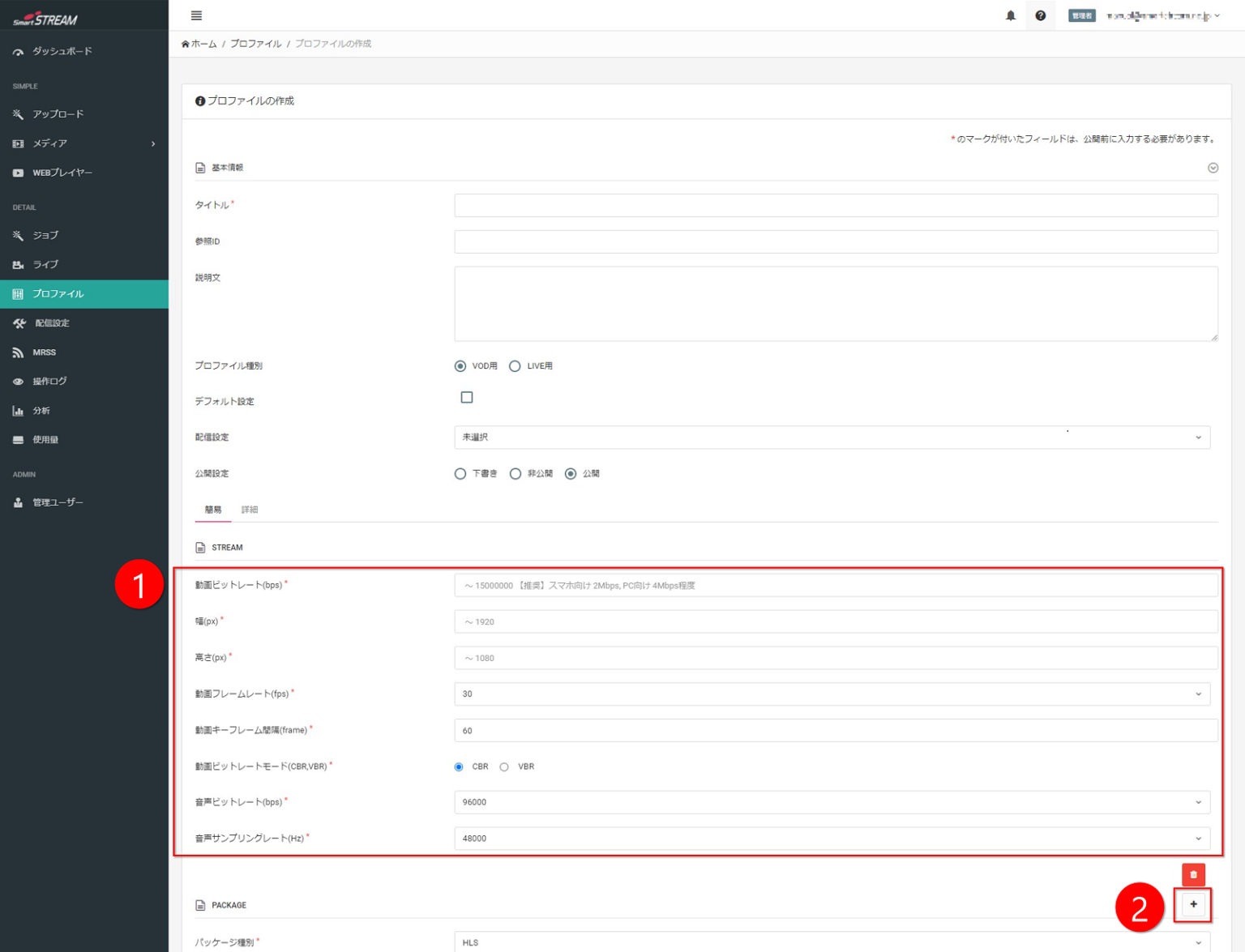
Configure the profile.
-
Click the + button.
-
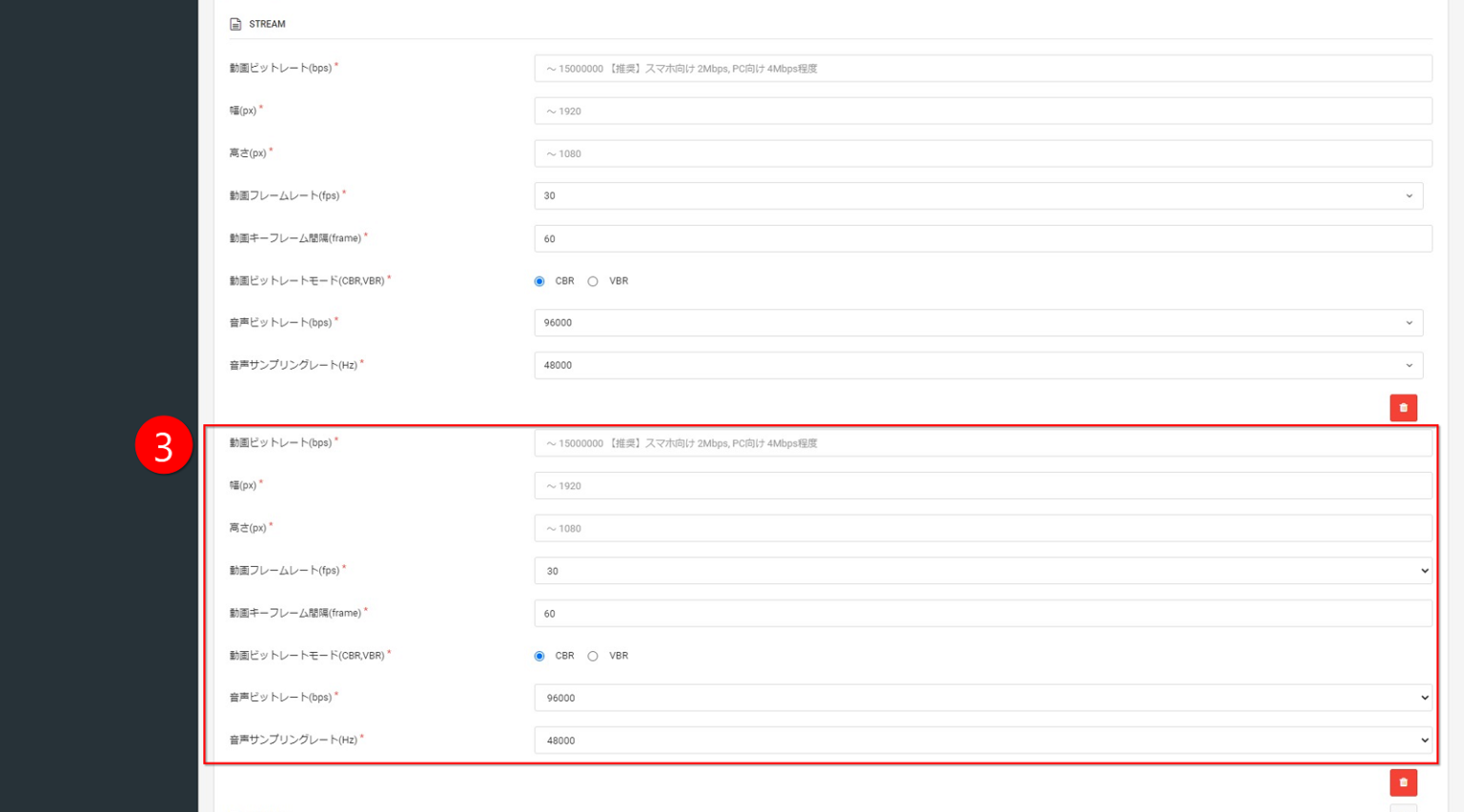
Configure an additional profile in the newly displayed input screen.
(To add more profiles, click the + button in the same way and configure as many “STREAM” entries as the number of required quality levels.)
For details on profile configuration, refer to:
・“Stream Videos On-Demand” > “Create a Profile”
・“Stream Videos Live” > “Create a Profile”